What each role can do: Owner, Admin, and Member
Updated 7 October 20262 min read
Every member of an organization has one role: Owner, Admin, or Member. The role applies across all the organization's workspaces.
Permissions by role
| Action | Owner | Admin | Member |
|---|---|---|---|
| Create or delete a workspace | Yes | Yes | No |
| Create or delete a credential | Yes | Yes | No |
| Invite a member | Yes | Yes | No |
| Remove someone with the Member role | Yes | Yes | No |
| Make someone an Owner | Yes | No | No |
| Update organization settings | Yes | Yes | No |
| View workspaces and members | Yes | Yes | Yes |
Scroll table horizontally →
Rules to know
- You can't give anyone a role above your own.
- An Owner can't be removed or demoted, even by another Owner.
- Removing a member takes effect immediately and ends their access to every workspace in the organization.
- Roles are for people. Applications and AI agents authenticate with OAuth credentials scoped to one workspace; Manage credentials in the developer documentation explains them.
Can't do something?
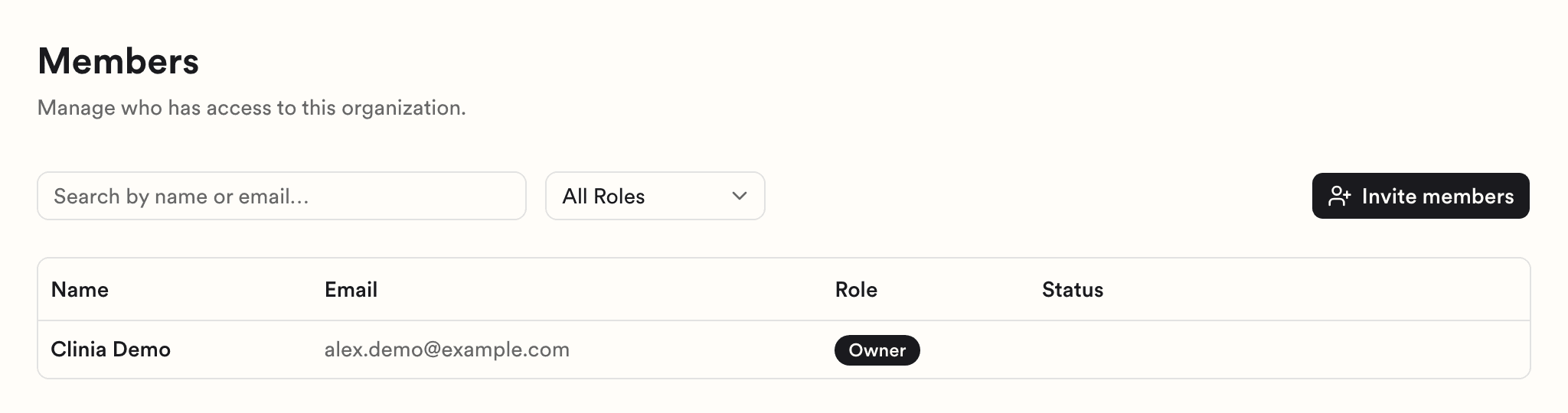
If you can't create a workspace or a credential, you probably have the Member role. Ask an Owner or Admin in your organization to do it for you, or to change your role. To see who they are, click Members in the sidebar and check the Role column.
Need help?
If your organization's Owners and Admins can't resolve an access issue, write to Clinia Support. Include your organization name, the email address on your account, and what you were trying to do.