Sign in to the Clinia Console
Updated 7 October 20261 min read
Sign in to the Clinia Console to manage your organization, workspaces, credentials, and team.
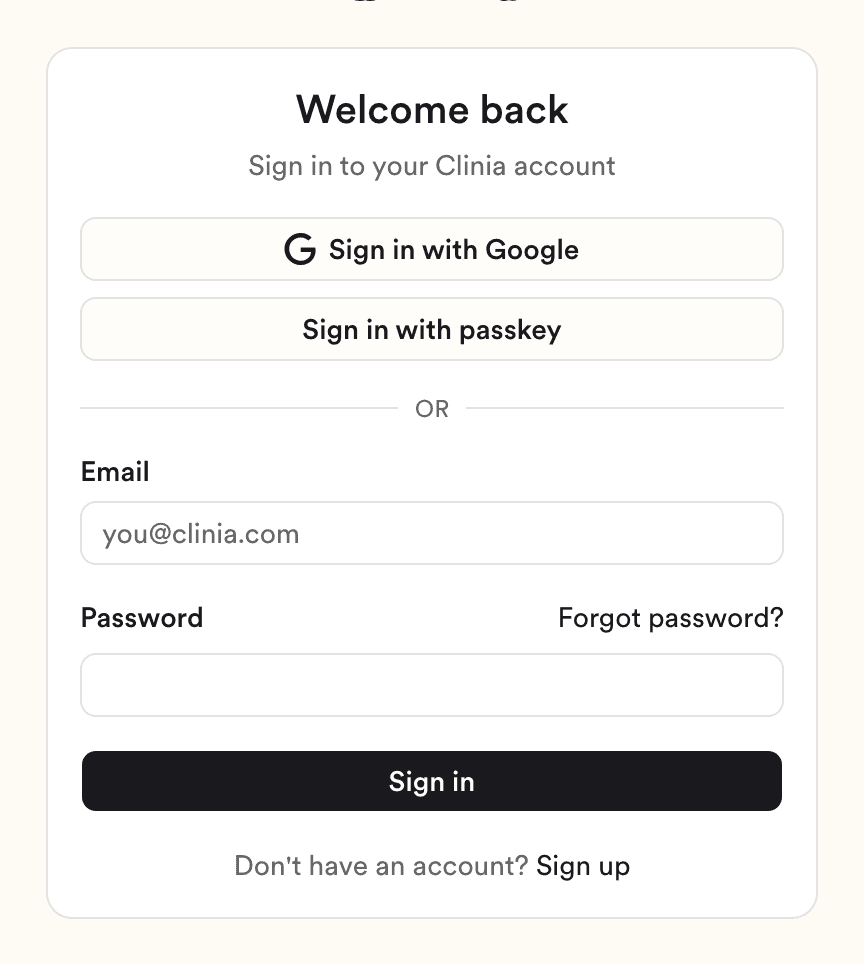
Sign in with your email and password
- Go to console.clinia.cloud.
- Enter your email address and password.
- Click Sign in.
- If you've turned on two-factor authentication, enter the code from your authenticator app and click Verify.
Other ways to sign in
If you use Google to sign in, click Sign in with Google. If you've added a passkey, click Sign in with passkey and follow your browser or device prompt.
No account yet?
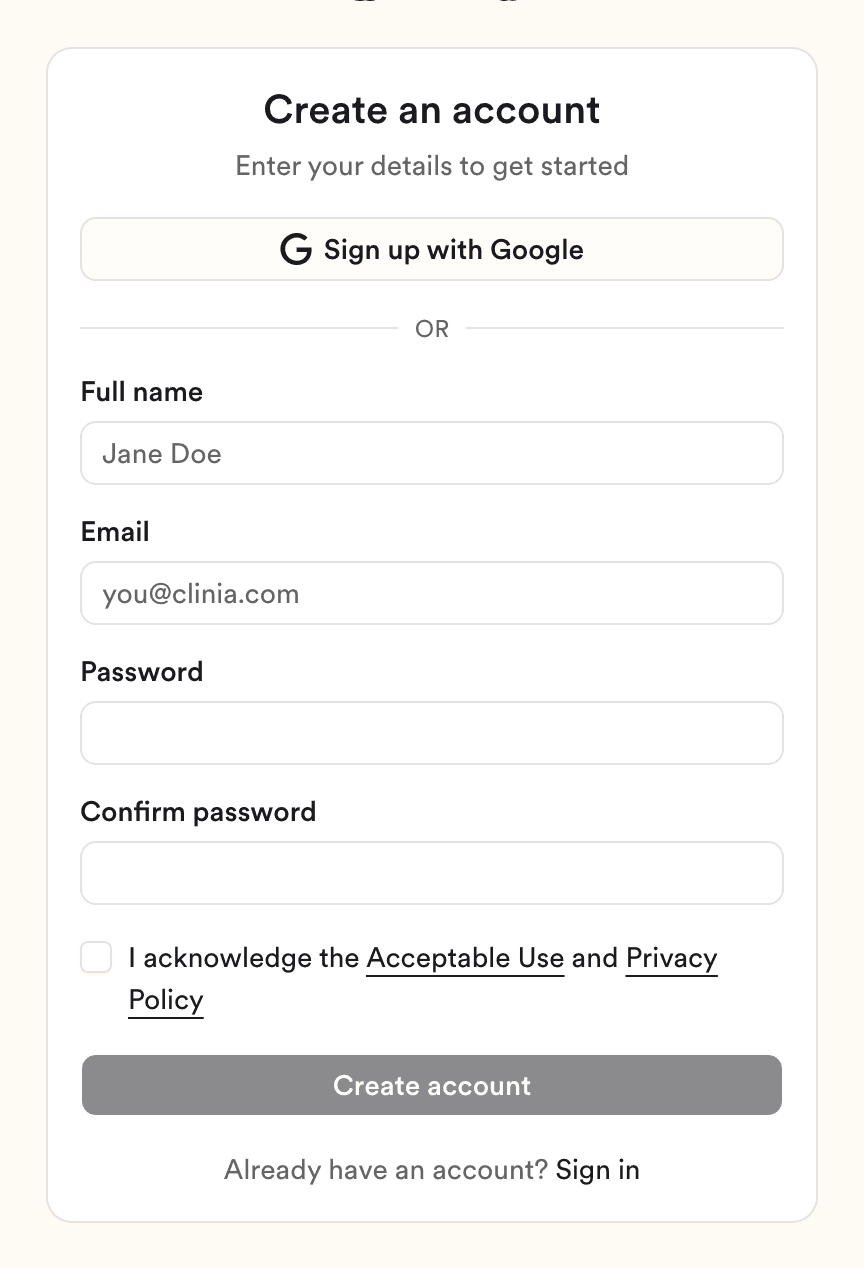
On the sign-in page, click Sign up. Then click Sign up with Google. To use an email address instead, fill in the form, then click Create account. The getting-started tutorial takes you from a new account to a running workspace.
Forgot your password?
Click Forgot password? on the sign-in page, then follow Reset your Console password.
Need help?
If you still can't sign in, write to Clinia Support and include the email address on your account.