Archive
This article describes Concord, a previous Clinia product. It is no longer maintained and is kept only so existing links continue to resolve. For the Clinia Context Engine for Health AI, use the current help centre.
Update your workspace language preference
Overview
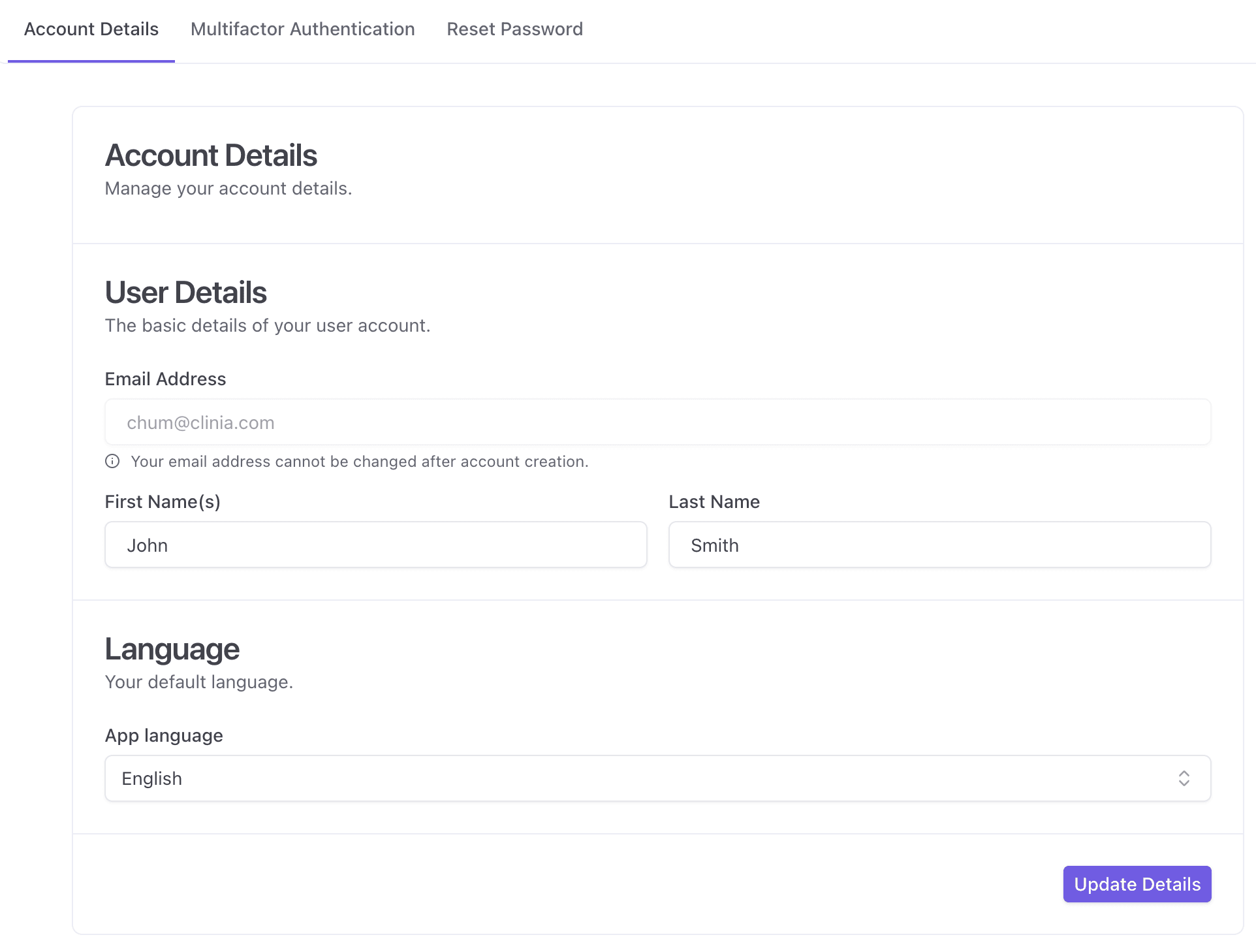
You can update your preferred UI language from your Account Details page.
Steps to change your UI language
-
In the Account Details tab, scroll to the Language section
-
Under App language , select your preferred language
-
Click Update Details
Your selection will become your default language in the application. In some cases, you may need to log out and log back in for the change to take effect.
Need help?
If you’re unable to update your account details, contact your organization administrator or Clinia Support and include:
-
The email address linked to your account
-
What you were trying to update (name or language)
-
A screenshot of any error message (if applicable)