Get notified about incidents
Updated 8 October 20261 min read
On this page
Subscribe to Clinia's status page, cliniastatus.com, to get notified about incidents. Clinia sends every incident notification to its subscribers.
Subscribe
- Go to cliniastatus.com.
- Click Subscribe to Updates.
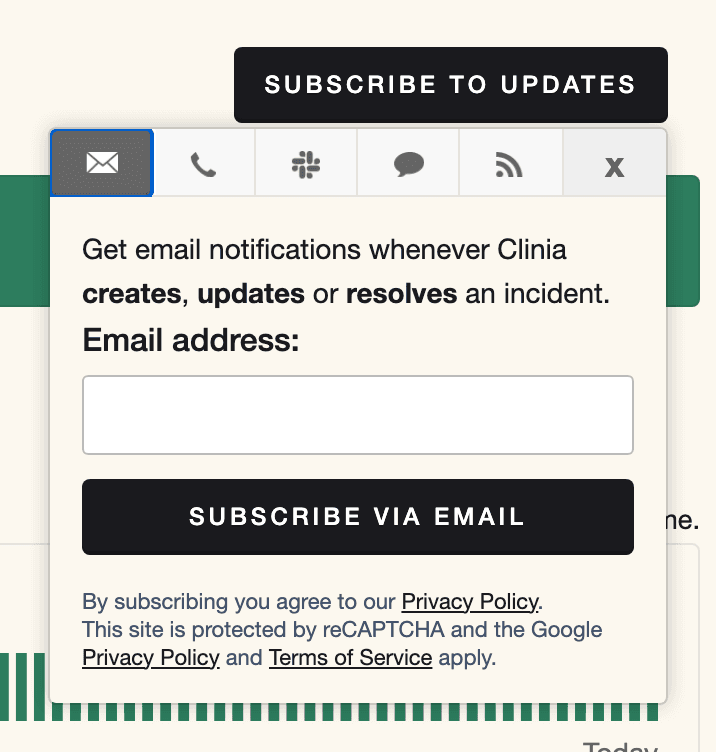
- Choose how to get notifications. Email, text message, and Slack each have a tab, and the feed icon gives you an Atom or RSS feed.
- Follow the prompts on that tab. For email, enter your address and click Subscribe via Email.
Ask everyone on your team who needs to hear about incidents to subscribe. The status page also shows the current state of each service and the history of past incidents and maintenance.
Need help?
If you see a problem the status page doesn't show, write to Clinia Support. Include your organization name, the Workspace ID, what you were doing, and when it happened, with the time zone.